Arcona OS v2.0.0 One operational ecosystem for modern institutions

Arcona OS.
Built for how institutions run.

Arcona OS is the operational software ecosystem through which institutions structure people, information and daily work. Choose the specialised system built for your environment, then give every role a focused experience.

Arcona Academy OS Arcona Organisation OS Web and Android access
Secure Arcona OS workspace
Academy OS
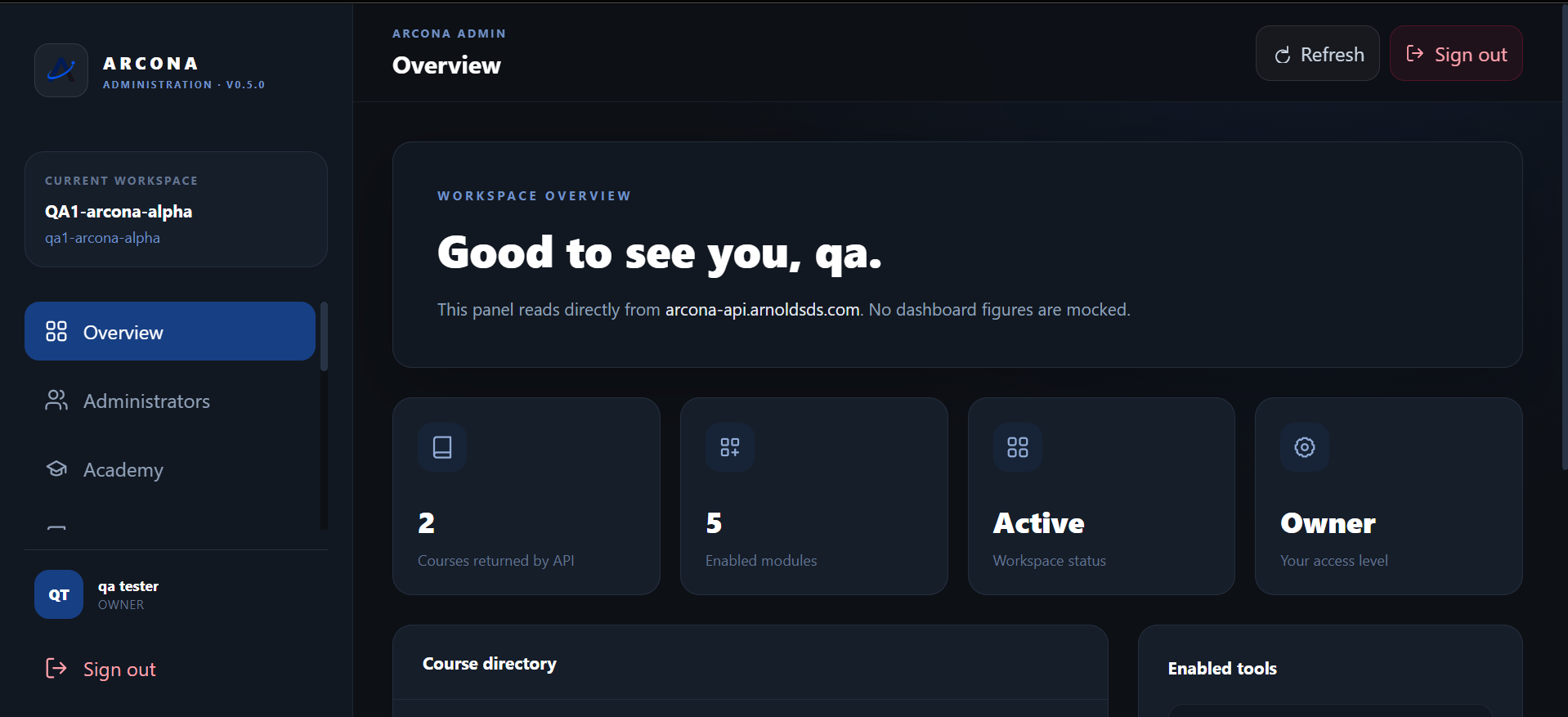
Arcona Academy OS administration workspace showing courses, modules and workspace status
A
ARCONA ACADEMY OSLearning stays connected
O
ARCONA ORGANISATION OSWork stays in context
Two specialised systemsAcademy OS and Organisation OS in one ecosystem
Private workspacesEach customer operates inside a protected environment
Focused role accessPeople see the tools and information meant for them
Built by ADSProduct, support and account access stay connected

Choose the system that matches your work

Arcona OS is built for
more than one kind of institution.

The ecosystem has two specialised operating systems. Academy OS serves teaching and learning. Organisation OS serves teams, internal knowledge and structured operations.

01

Teaching and learning

Arcona Academy OS

Run courses, batches, classrooms and communication from one dependable workspace for owners, administrators, teachers and students.

  • Academy administration
  • Course and batch structure
  • Teaching, learning and communication
  • Responsive web and Android access
Explore Arcona Academy OS
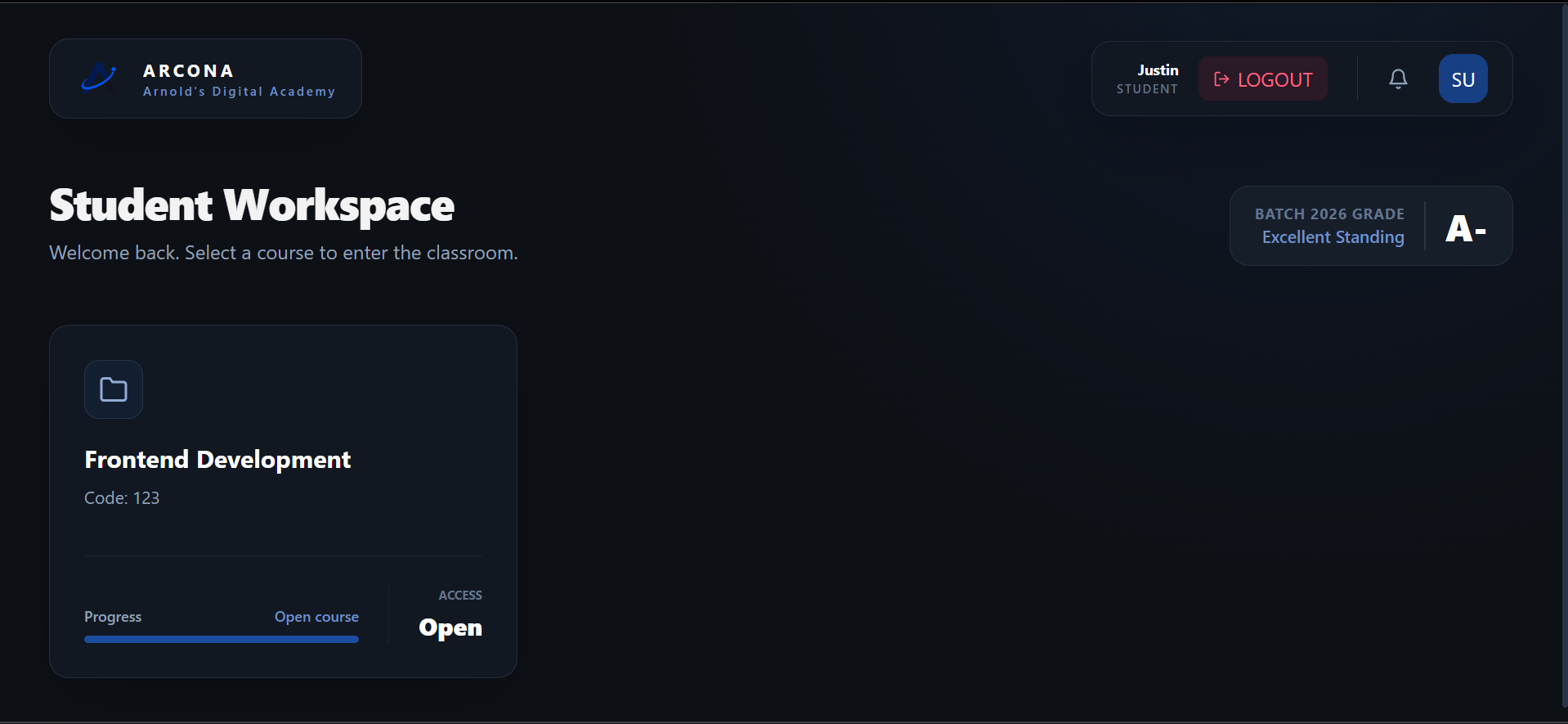
Student workspace inside Arcona Academy OS
02

Teams and operations

Arcona Organisation OS

Bring people, internal learning, records and everyday operations into a structured workspace built for businesses, NGOs and growing teams.

  • People and role structure
  • Internal learning and knowledge
  • Connected operational records
  • One home for shared work
Explore Arcona Organisation OS
ARCONA ORGANISATION OSOrganisation overview

Inside Arcona Academy OS

A real view of the
complete learning operation.

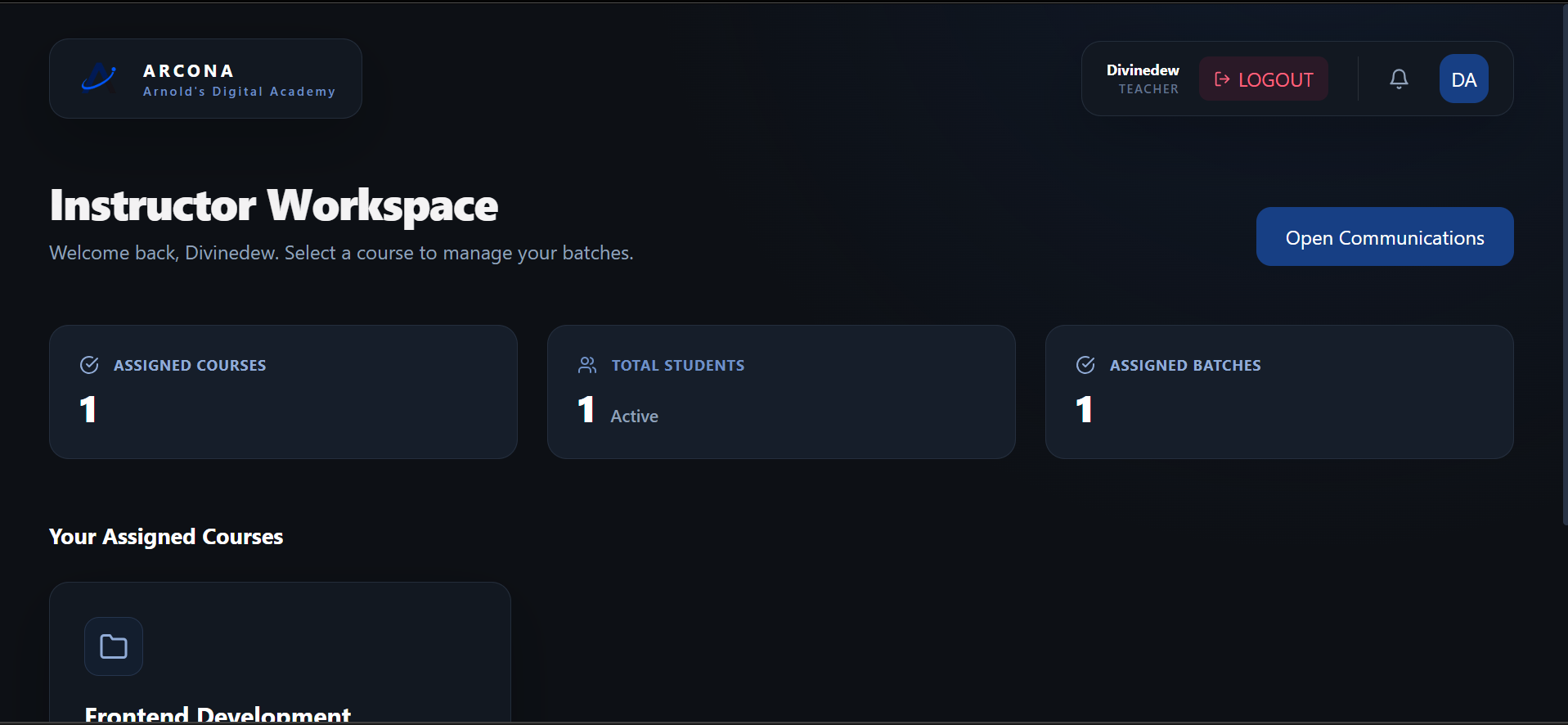
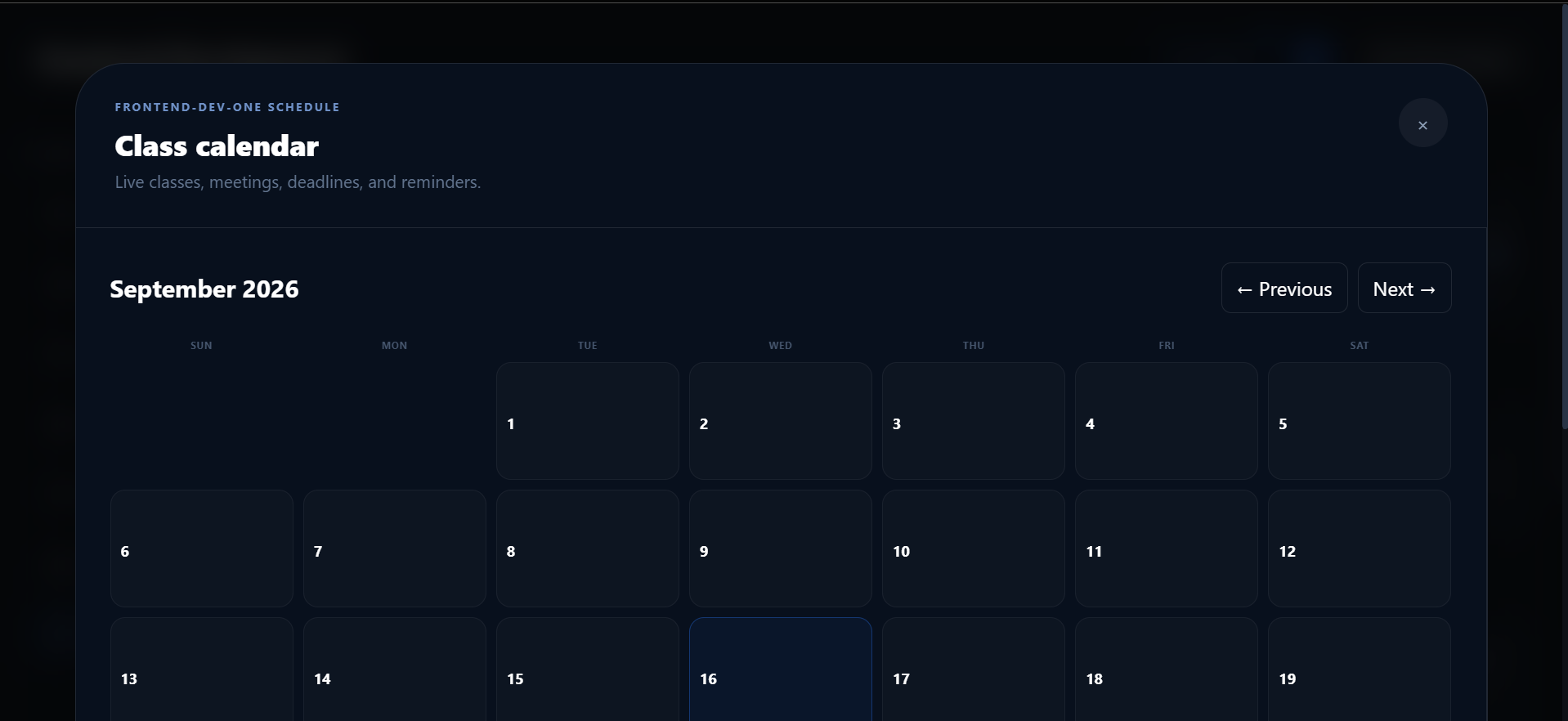
These are product captures from the current Arcona Academy OS experience. Switch between the people who run the academy and the people who teach and learn inside it.

Arcona Academy OS administrator overview
ADMINISTRATION

See the whole academy clearly.

Owners and administrators manage the workspace, courses, modules and setup from one responsive control surface.

Arcona OS on Android

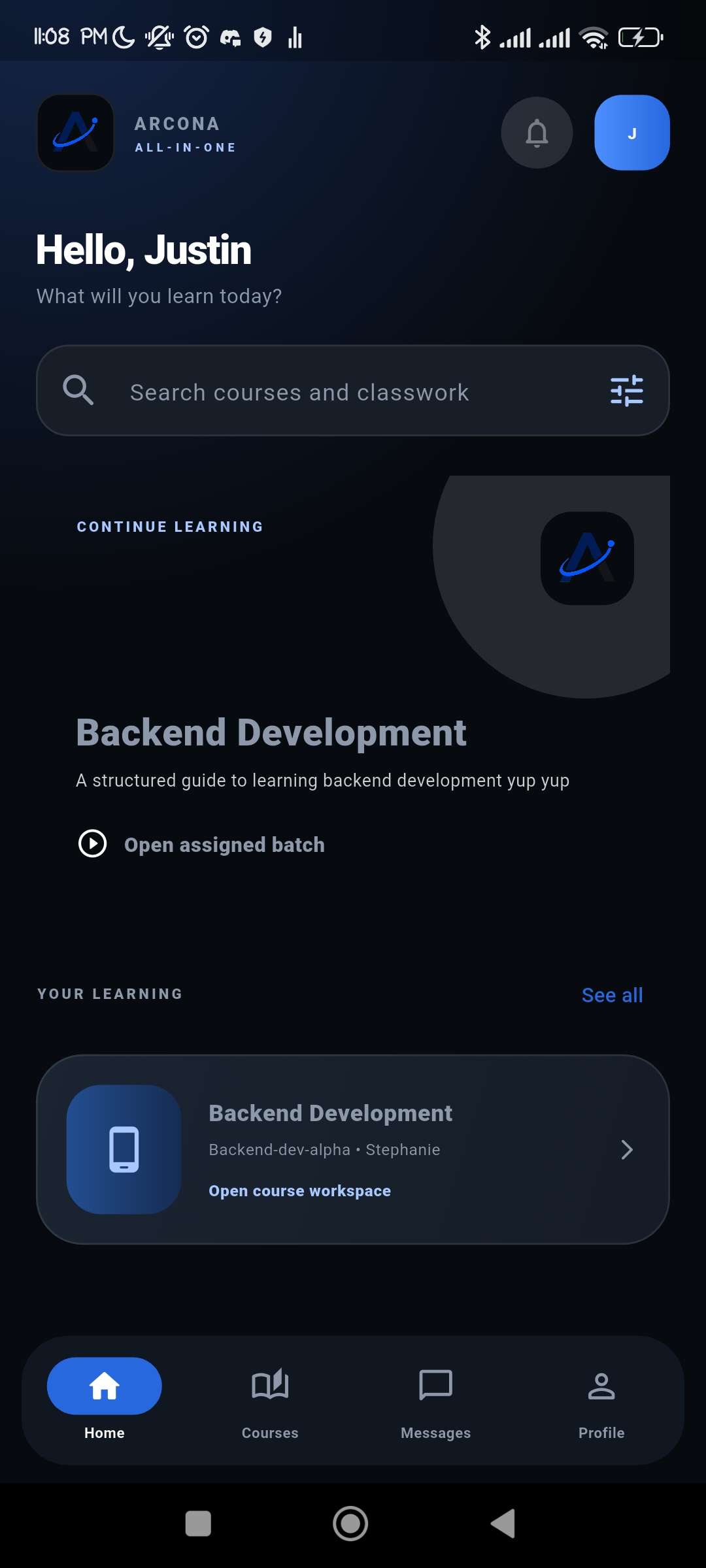
Teaching and learning do not stop at the laptop.

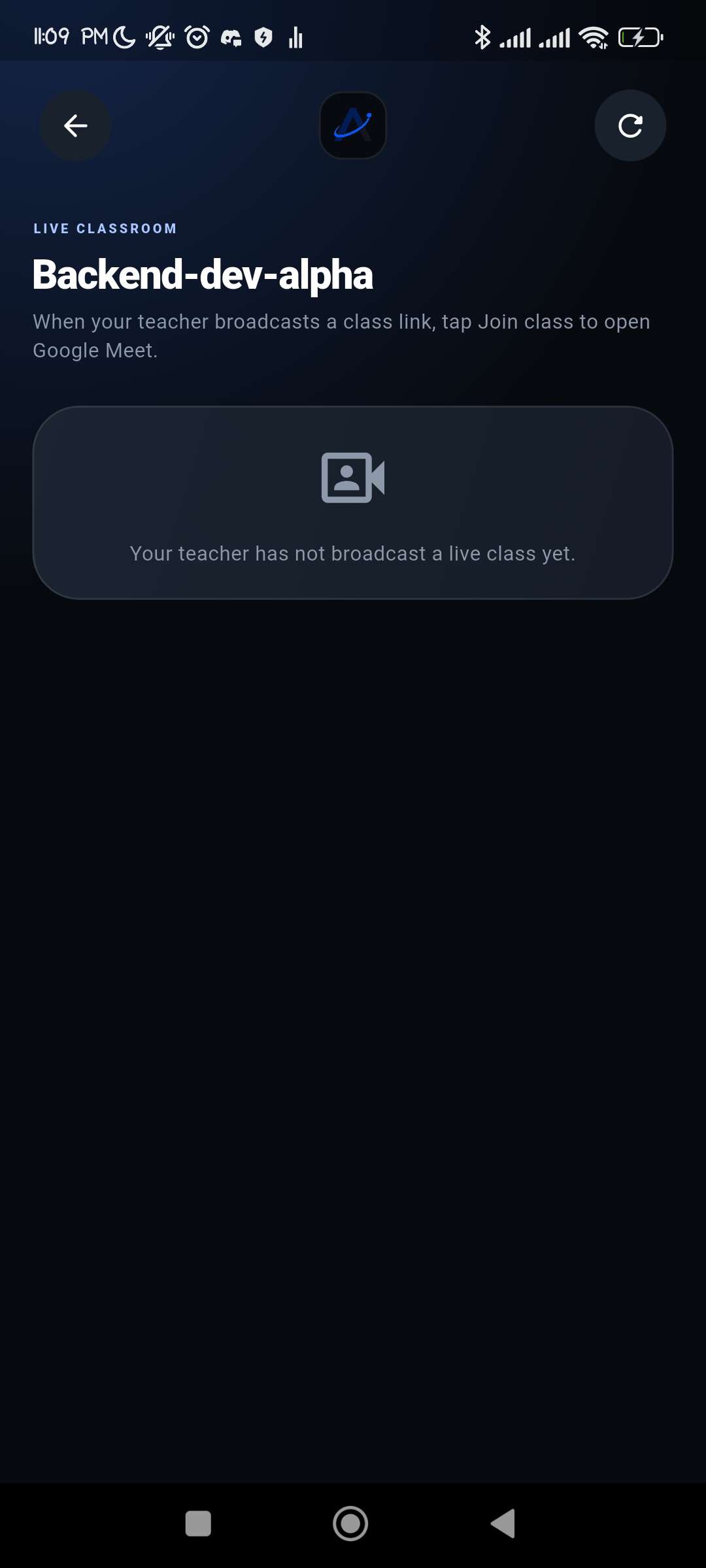
The mobile application keeps students and teachers close to their courses when they are moving, commuting or working away from a desk.

01Open assigned courses and batches 02Follow classroom material and discussions 03Join live sessions from a teacher’s link 04Read messages and account notifications
Read the mobile guide

How to use Arcona OS

A clear path from choice
to daily use.

Arcona OS adapts its tools to the specialised system and role you choose, while the core journey remains easy to understand.

  1. 01

    Choose your system

    Select Academy for teaching and learning, or Organisation for people and operational work.

  2. 02

    Create the workspace

    Establish the workspace identity, secure its main administrator and configure access.

  3. 03

    Structure the work

    Build the courses, batches, people, records or modules that define the environment.

  4. 04

    Bring people in

    Assign each person a role so Arcona OS can show them the right tools and information.

  5. 05

    Operate every day

    Teach, learn, communicate and manage activity from the web, with Academy access on Android.

Documentation and releases

Understand the product without the marketing noise.

The documentation stays direct and practical. Role guides explain how Academy works, while release notes record what changed and what users should know.

Arcona OS

Smarter · Connected · All in one

Choose the Arcona OS system
built for your work.

See Arcona Academy OS in action or talk with the product team about how Arcona Organisation OS fits your people and operations.